feat(amf): add amd_max_au_size option - #4926
Conversation


 ReenigneArcher
added
the
ai
ReenigneArcher
added
the
ai

This comment was marked as resolved.
This comment was marked as resolved.

|


|
It looks like this PR has been idle for 90 days. If it's still something you're working on or would like to pursue, please leave a comment or update your branch. Otherwise, we'll be closing this PR in 10 days to reduce our backlog. Thanks! |


Add a new optional AMF encoder parameter `amd_max_au_size` that caps
the maximum encoded frame (Access Unit) size in bytes.

When the AMF encoder (especially under CQP rate control) produces
oversized frames, they can exceed the FEC shard limit
(DATA_SHARDS_MAX=255 per block, max 4 blocks). When this happens,
FEC error correction is skipped for those frames entirely
(stream.cpp line 1373). On Wi-Fi networks, these large unprotected
frames are highly susceptible to packet loss, causing visible
dropped frames, stuttering, and stream instability.

By setting `amd_max_au_size` (e.g. 800000 bytes), the hardware
encoder itself enforces the frame size cap, ensuring every frame
stays within FEC protection limits. This works with all rate
control modes (CQP, CBR, VBR) and all three codecs (H.264, HEVC,
AV1). Disabled by default (0 or empty) to preserve existing
behavior.

Tested on AMD RDNA4 (RX 9070 XT) streaming over 5GHz Wi-Fi with
CQP mode. Setting max_au_size to 800000 eliminated FEC bypass
warnings and significantly improved stream stability.
Address review feedback:
- max_au_size is in bits per FFmpeg AMF documentation, not bytes
- AV1 encoder (av1_amf) does not support max_au_size, removed
- Updated UI description, docs, and recommended value accordingly
- FFmpeg default is -1 (disabled), aligned placeholder
800000 bits (~97 KB/frame, ~46 Mbps at 60fps) is the correct
recommended value for Wi-Fi streaming, not 6400000.

Added formula for users to calculate based on their bandwidth:
  (target_bitrate_mbps / fps / 1.2) * 1000000
where 1.2 accounts for ~20% FEC overhead.
Adds explicit validation for `amd_max_au_size` so only unset or values >= -1 are applied, matching FFmpeg/AMF expectations. Updates the web config input bounds and wording to clarify this as a last-resort FEC protection cap (H.264/HEVC only), and refreshes configuration docs with improved sizing guidance. Also expands unit coverage for codec option mapping and config parsing edge cases, including range boundaries.
bc8906e to
8a0a285
Compare
ReenigneArcher
changed the title
ReenigneArcher
changed the title

Bundle ReportChanges will decrease total bundle size by 267 bytes (-0.01%) ⬇️. This is within the configured threshold ✅ Detailed changes
Affected Assets, Files, and Routes:view changes for bundle: sunshine-esmAssets Changed:
Files in
Files in
|
Codecov Report❌ Patch coverage is
Additional details and impacted files@@ Coverage Diff @@
## master #4926 +/- ##
==========================================
+ Coverage 32.50% 33.81% +1.31%
==========================================
Files 104 104
Lines 25003 25065 +62
Branches 11078 11087 +9
==========================================
+ Hits 8126 8476 +350
- Misses 13894 14804 +910
+ Partials 2983 1785 -1198
Flags with carried forward coverage won't be shown. Click here to find out more.
... and 58 files with indirect coverage changes Continue to review full report in Codecov by Harness.
|


Build artifactsArtifacts from workflow run 32500593750:
You must be signed in to GitHub to download workflow artifacts. |
Screenshot ComparisonPR #4926 screenshots vs Matrix:
|
| Image | Baseline | PR |
|---|---|---|
sunshine_tray_initial.png |
 |
 |
sunshine_tray_menu.png |
 |
 |
sunshine_tray_pairing_request.png |
 |
 |
sunshine_tray_paused.png |
 |
 |
sunshine_tray_stopped.png |
 |
 |
sunshine_tray_streaming.png |
 |
 |
sunshine_tray_tooltip.png |
 |
 |
Matrix: Windows-AMD64
| Image | Baseline | PR |
|---|---|---|
sunshine_tray_initial.png |
 |
 |
sunshine_tray_menu.png |
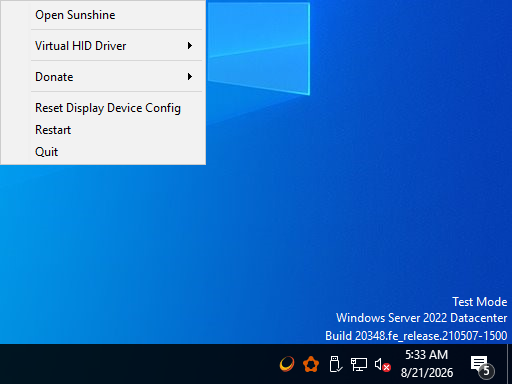 |
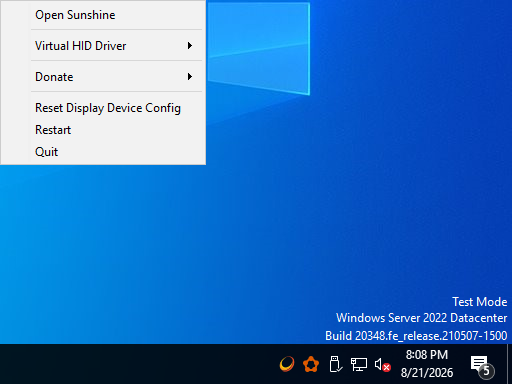 |
sunshine_tray_pairing_request.png |
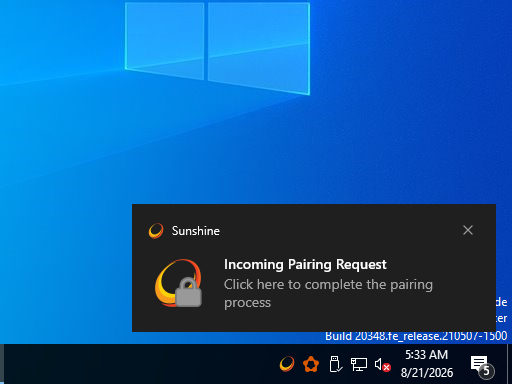 |
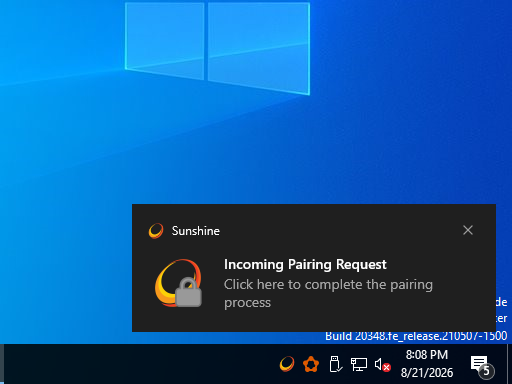 |
sunshine_tray_paused.png |
 |
 |
sunshine_tray_stopped.png |
 |
 |
sunshine_tray_streaming.png |
 |
 |
sunshine_tray_tooltip.png |
 |
 |
Matrix: Windows-ARM64
| Image | Baseline | PR |
|---|---|---|
sunshine_tray_initial.png |
 |
 |
sunshine_tray_menu.png |
 |
 |
sunshine_tray_pairing_request.png |
 |
 |
sunshine_tray_paused.png |
 |
 |
sunshine_tray_stopped.png |
 |
 |
sunshine_tray_streaming.png |
 |
 |
sunshine_tray_tooltip.png |
 |
 |
Matrix: macOS-arm64
| Image | Baseline | PR |
|---|---|---|
sunshine_tray_initial.png |
 |
 |
sunshine_tray_menu.png |
 |
 |
sunshine_tray_pairing_request.png |
 |
 |
sunshine_tray_paused.png |
 |
 |
sunshine_tray_stopped.png |
 |
 |
sunshine_tray_streaming.png |
 |
 |
sunshine_tray_tooltip.png |
 |
 |
Matrix: macOS-x86_64
| Image | Baseline | PR |
|---|---|---|
sunshine_tray_initial.png |
 |
 |
sunshine_tray_menu.png |
 |
 |
sunshine_tray_pairing_request.png |
 |
 |
sunshine_tray_paused.png |
 |
 |
sunshine_tray_stopped.png |
 |
 |
sunshine_tray_streaming.png |
 |
 |
sunshine_tray_tooltip.png |
 |
 |
|


Description
Adds a new optional AMF encoder parameter
amd_max_au_sizethat exposes the existing FFmpeg/AMF maximum Access Unit size option to Sunshine users. This is not a silver bullet — it is an additional tool in the toolbox for users who have exhausted other options and are still experiencing stream instability, particularly on problematic Wi-Fi connections.Most users will never need this setting. The existing rate control modes (VBR_LATENCY, CBR) and other options (enforce_hrd, vbaq, preanalysis) should be the first line of troubleshooting. This option is intended as a last resort for difficult network conditions where standard rate control cannot prevent occasional oversized frames from disrupting the stream.
Background
Sunshine uses FEC (Forward Error Correction) to protect video frames against packet loss. FEC has a hard limit: each block supports max 255 data shards, with max 4 blocks per frame. When an encoded frame exceeds this limit (~889 KB at default settings), FEC is disabled for that frame:
Additionally, large encoded frames produce large packet bursts that can overwhelm Wi-Fi TX queues, causing packet loss even when the link has sufficient average bandwidth.
Standard rate control modes (VBR, CBR) treat bitrate targets as soft constraints and can still produce occasional frame size spikes during high-complexity scenes. For most users on decent networks, these spikes are harmless. But on congested or unreliable Wi-Fi, they can be the difference between a stable and unstable stream.
What this PR does
Exposes the AMF
max_au_sizeencoder option, which sets a hard, hardware-enforced cap on the maximum encoded frame size in bits. This maps toAMF_VIDEO_ENCODER_MAX_AU_SIZE(H.264) andAMF_VIDEO_ENCODER_HEVC_MAX_AU_SIZE(HEVC). AV1 does not support this option and has been excluded.std::optional<int>, completely ignored when not set (FFmpeg default: -1)amd_enforce_hrd,amd_vbaq, etc.When to use it
This setting is for users who:
It is not a replacement for proper rate control configuration and network optimization.
Trade-offs
When the cap is hit, the encoder is forced to reduce quality for that frame, which may cause brief visual quality drops. The value also effectively limits the maximum bitrate regardless of what is configured in the client. Users should set it as high as their network reliably handles — not lower than necessary.
Choosing a value
The value is in bits. It controls the maximum size of any single encoded frame. Start with
800000(~97 KB per frame, ~46 Mbps at 60fps) and increase until you find the highest value that remains stable on your network.Screenshot
New "AMF Max AU Size (bits)" field appears in the AMD AMF Encoder > Rate Control Settings section of the Web UI.
Issues Fixed or Closed
Roadmap Issues
Type of Change
Checklist
AI Usage