
A graphical front end for vfox, the cross-platform version manager, built with the Material 3 Expressive design language.
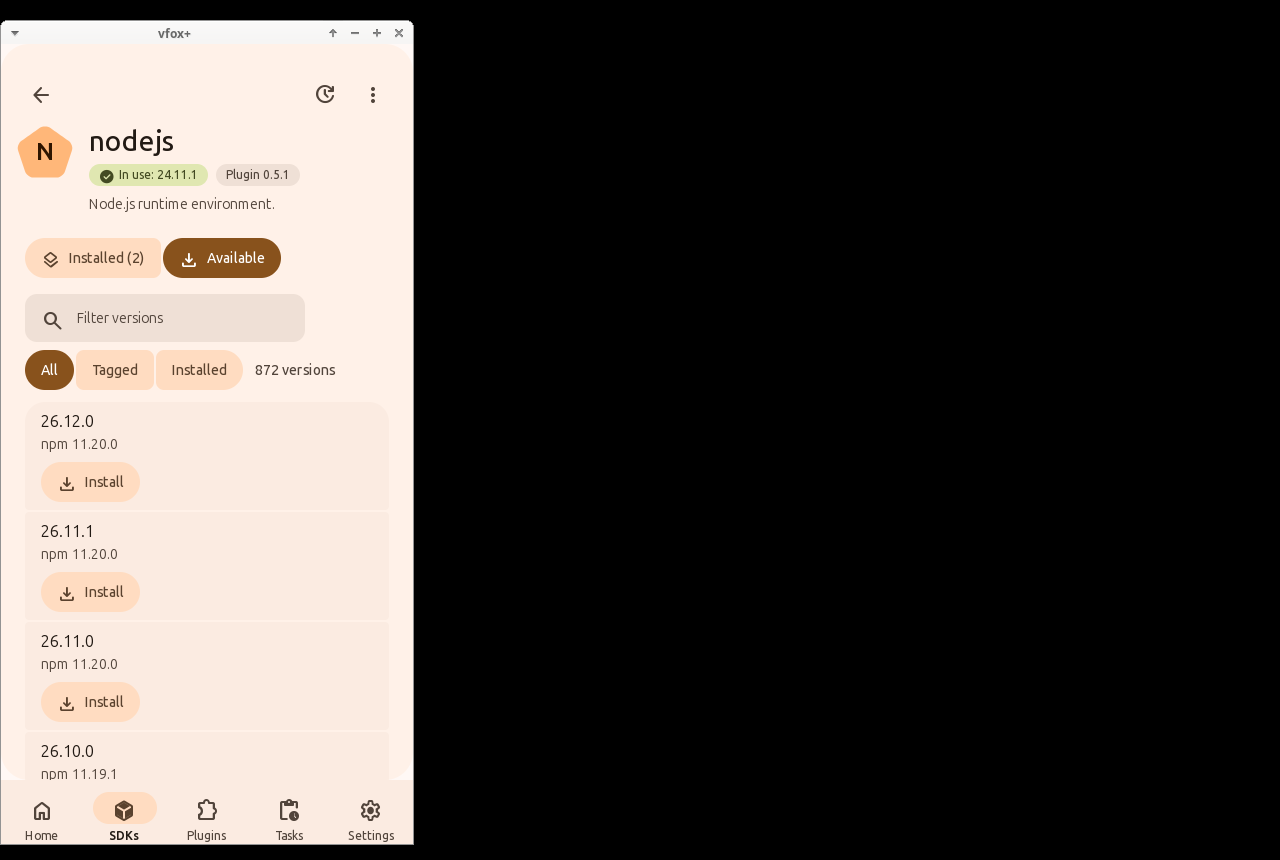
It is built with mygo 0.5 (Go), with its native user interface through GTK 3 and its own Material 3 Expressive components — no web view, no HTML, no JavaScript — in a single Go executable of about 12 MB. It uses about 41 MB of PSS on the Home page (see docs/memory.md). The screenshots show the application.
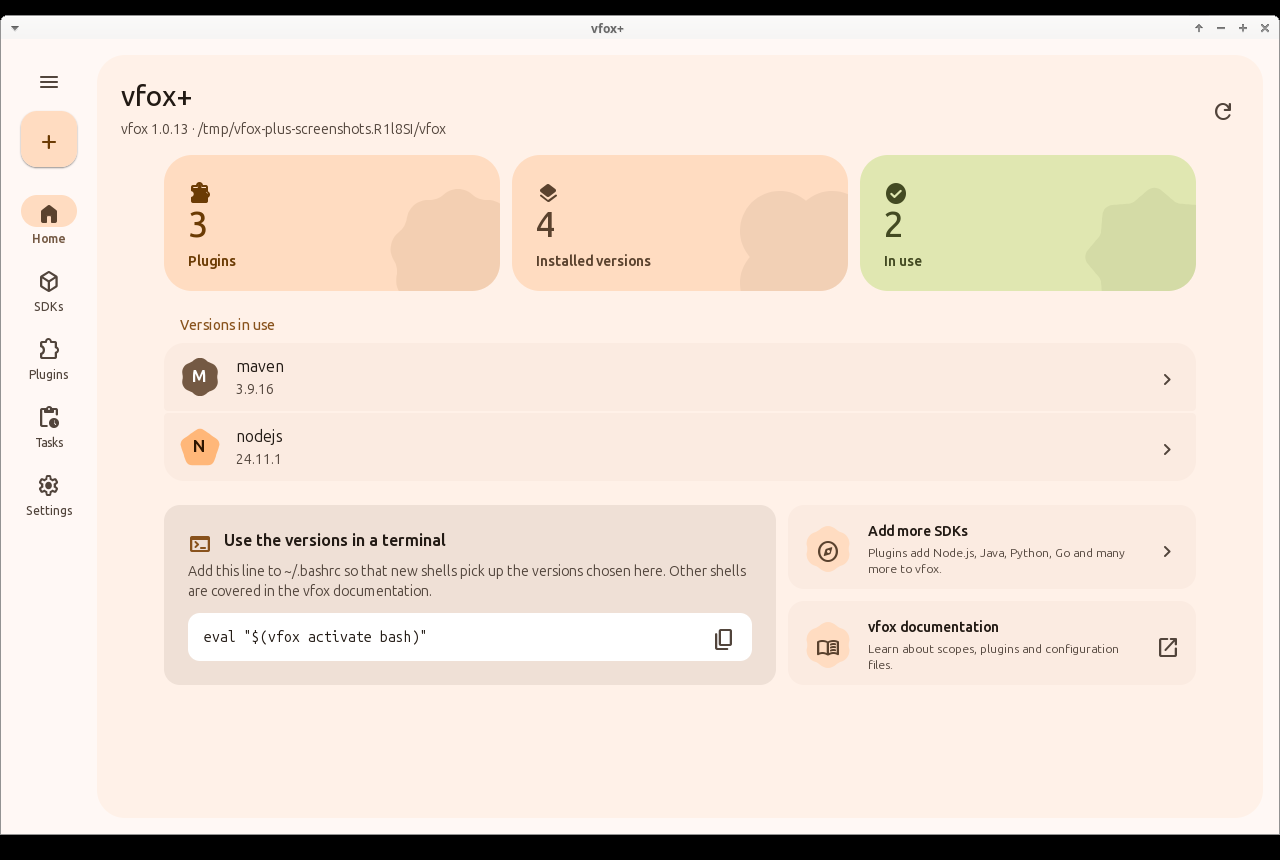
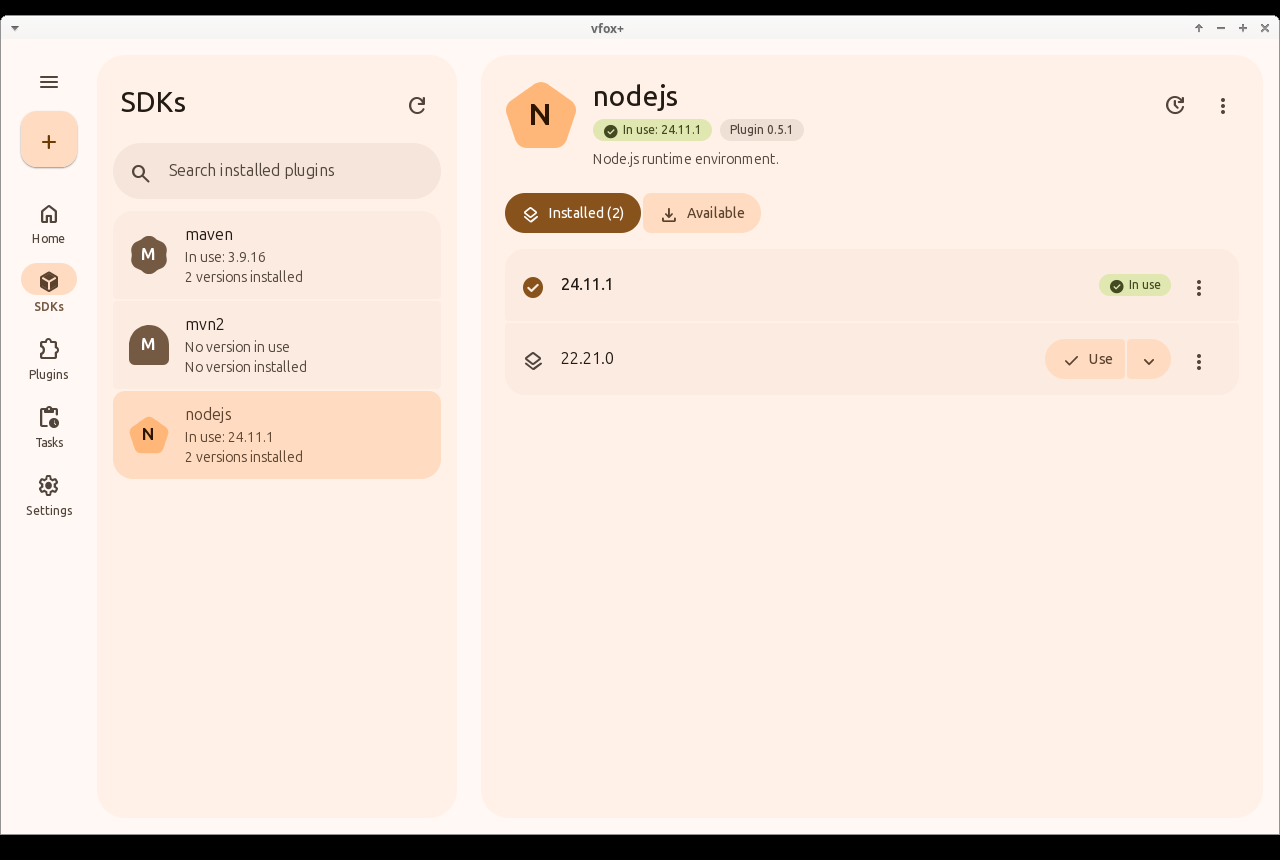
| Installed versions of an SDK | Available versions, dark theme |
|---|---|
 |
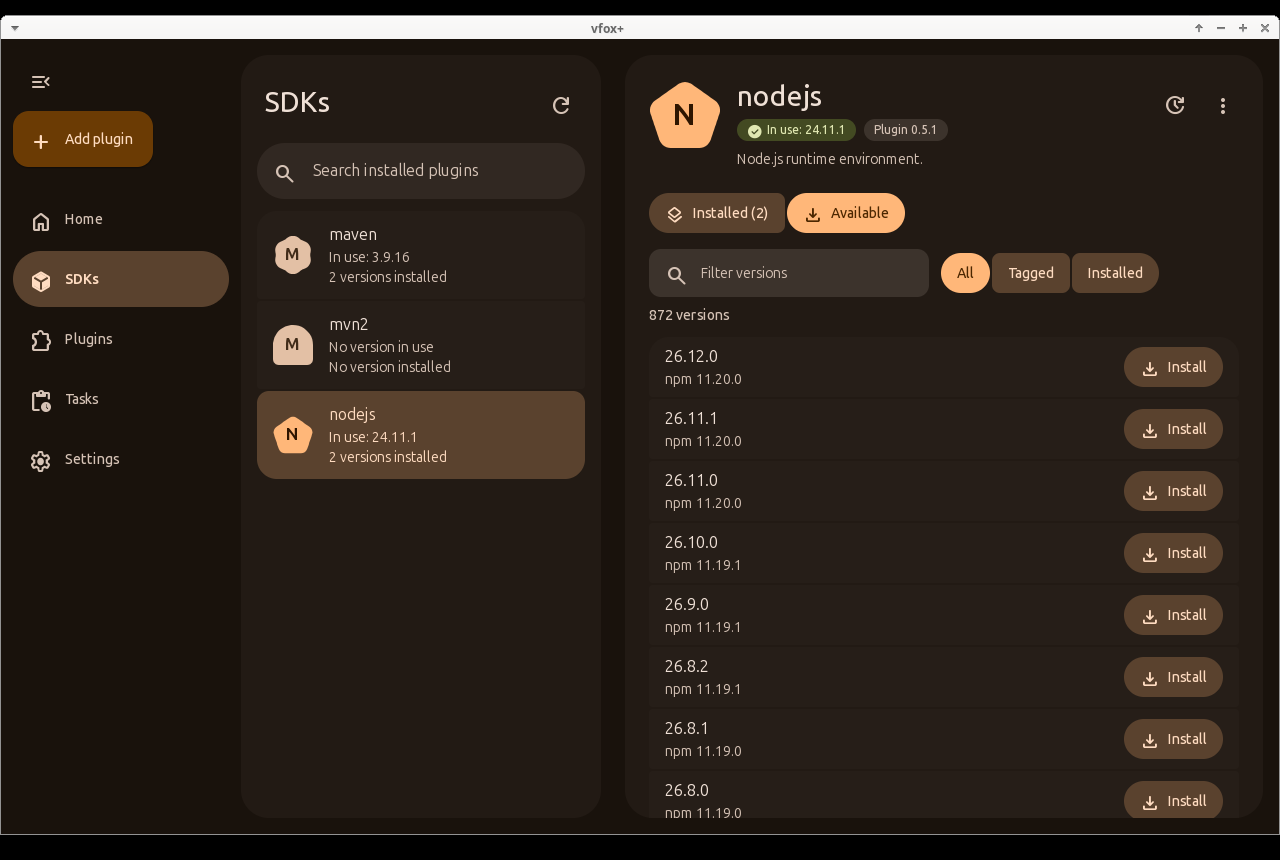 |
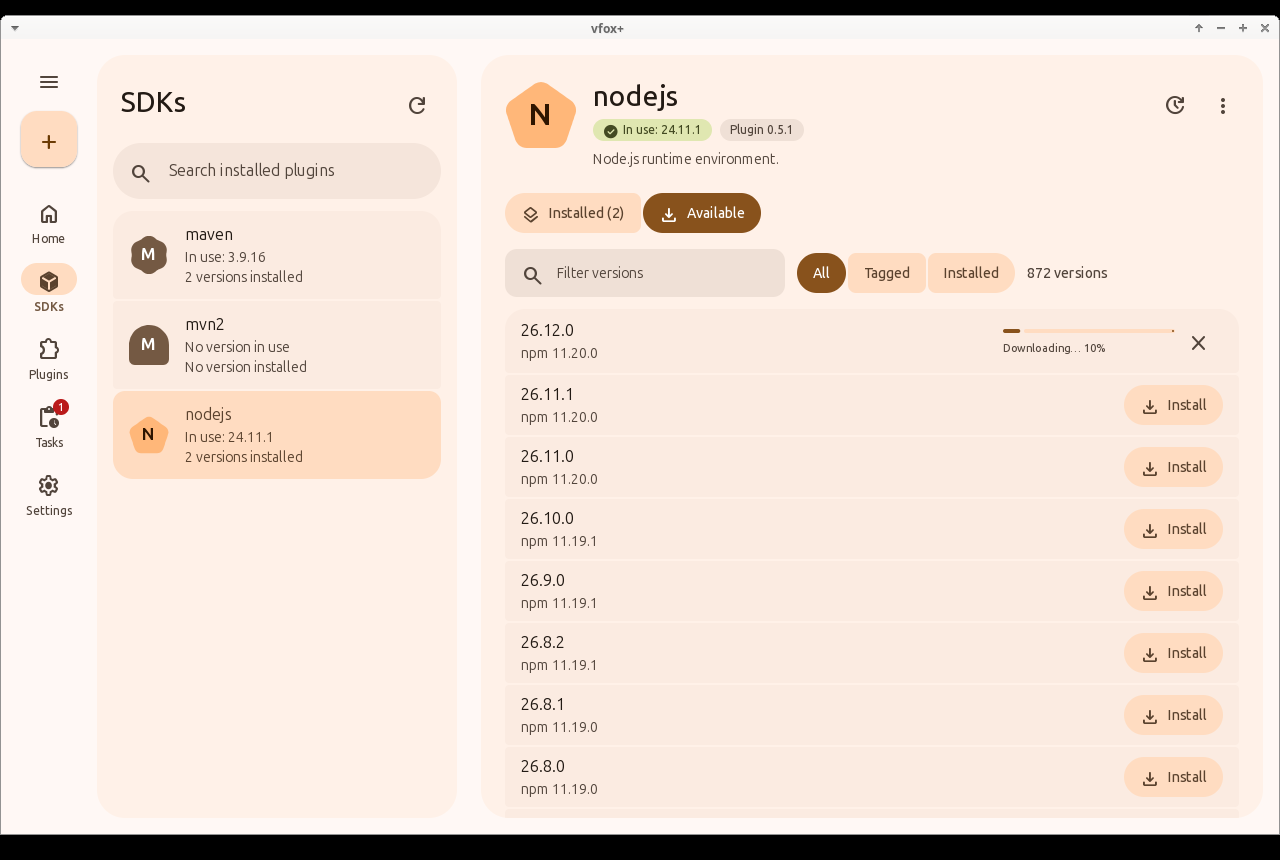
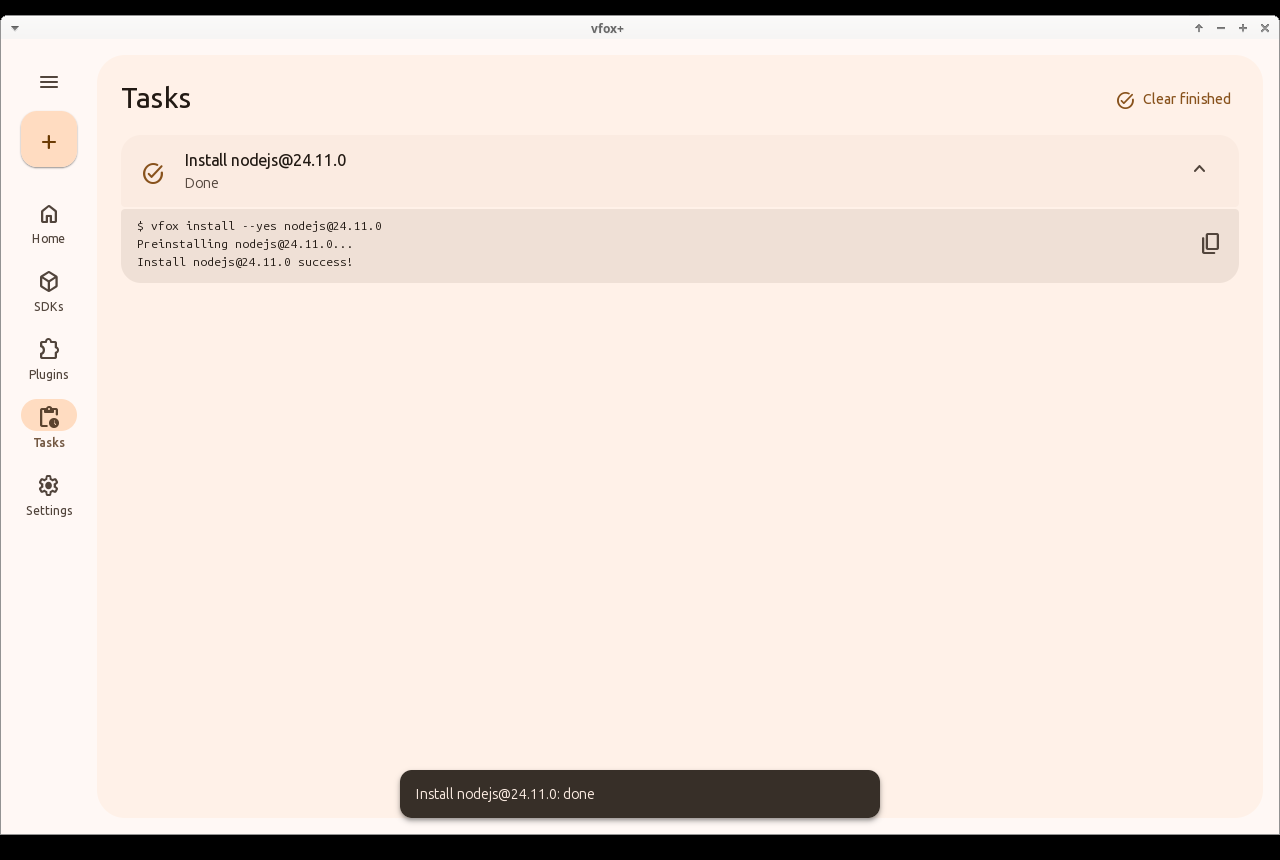
| An installation in progress | Tasks, which can be followed and cancelled |
|---|---|
 |
 |
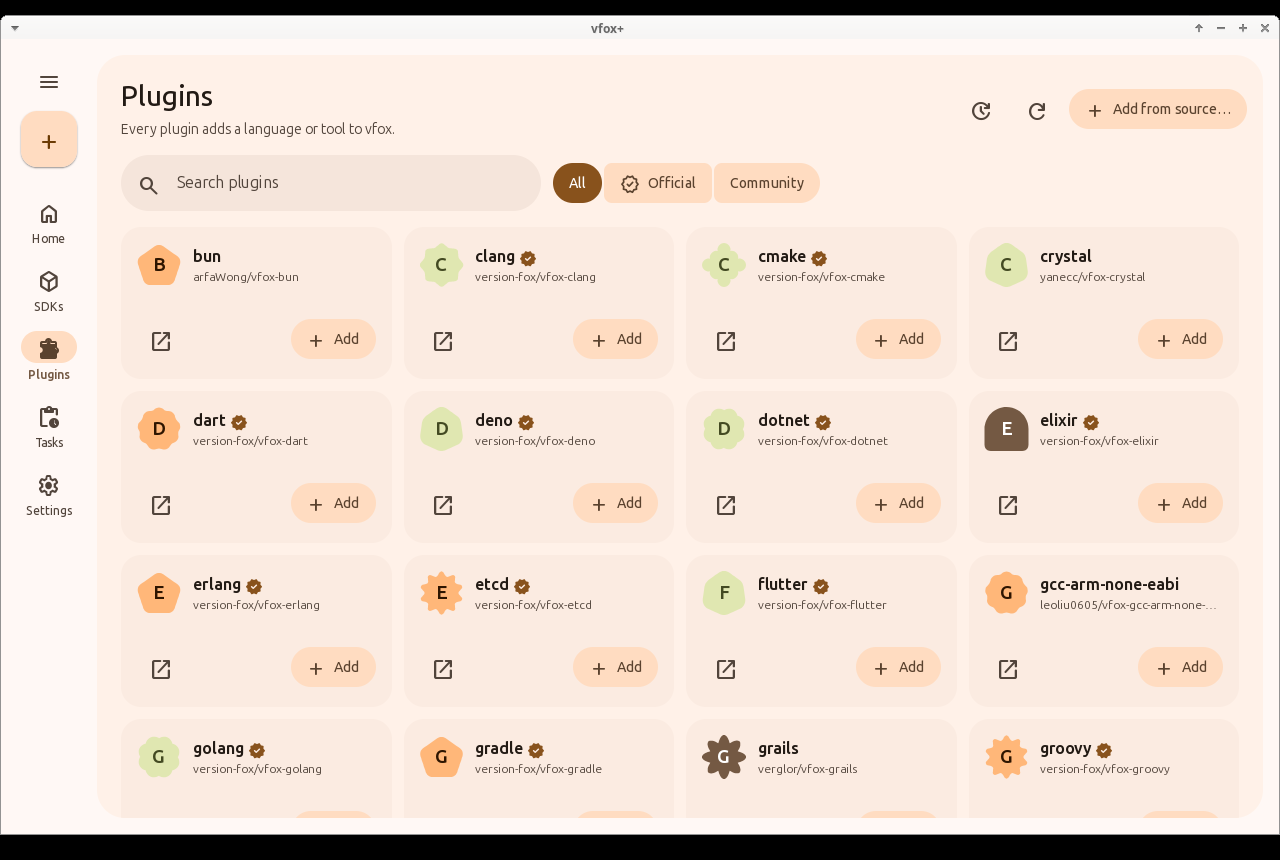
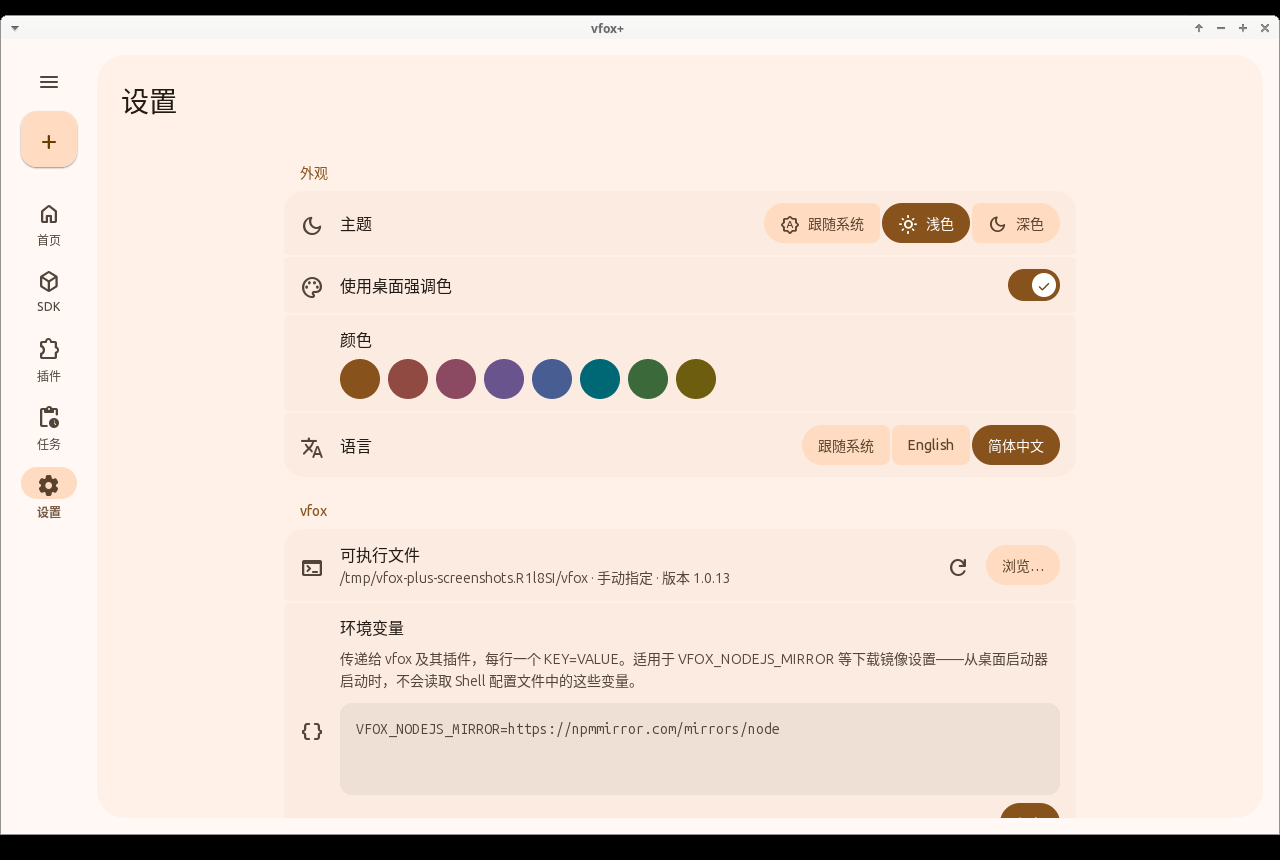
| The plugin registry | Settings in Simplified Chinese |
|---|---|
 |
 |
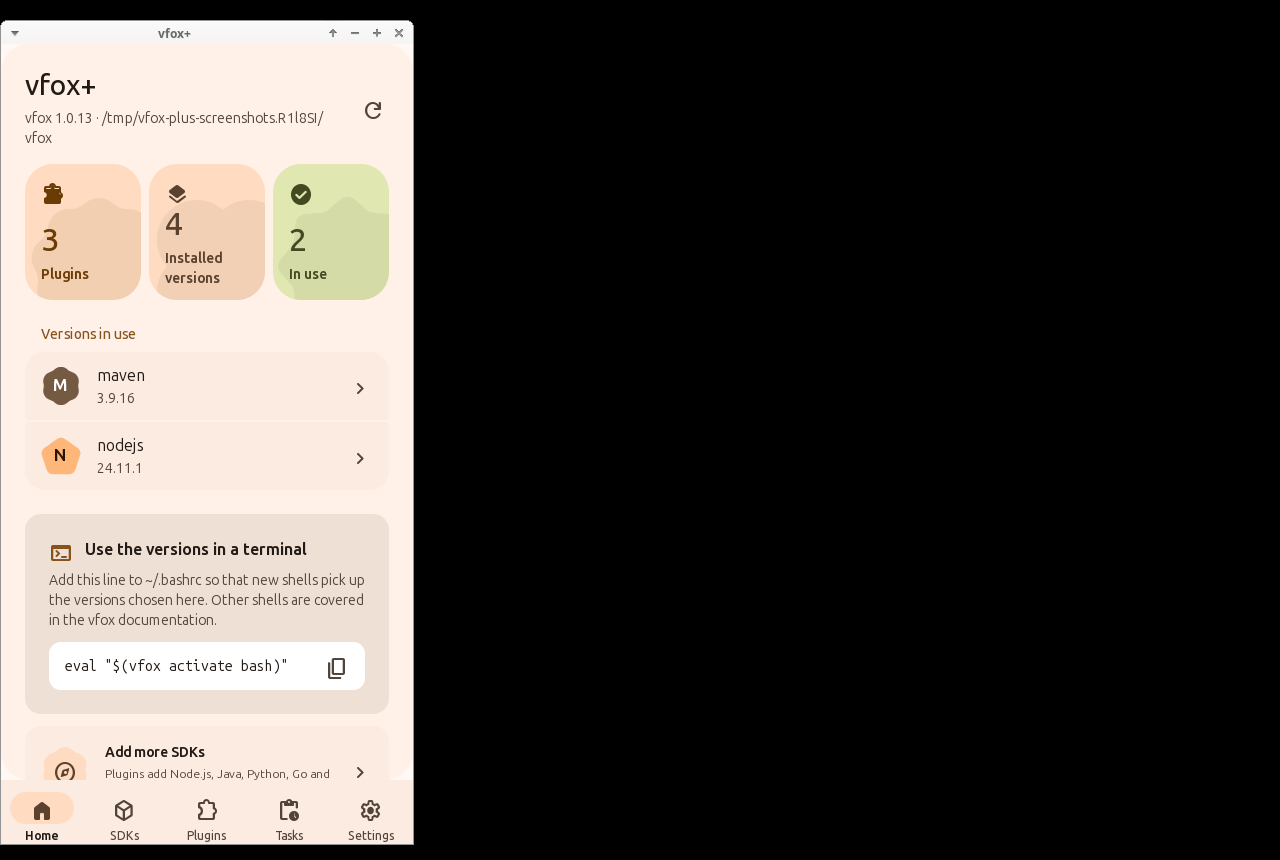
| Home in a compact window | An SDK in a compact window |
|---|---|
 |
 |
| Directory | Technology | Platforms | Package | Status |
|---|---|---|---|---|
mygo/ |
mygo 0.6 (Go), with its native user interface through GTK 3 and its own Material 3 Expressive components | Linux desktop | vfox-plus-mygo |
Working |
- Shows the installed SDKs, the versions in use and statistics at a glance.
- Installs, uninstalls and selects SDK versions, globally or for a project, with live download progress.
- Browses the vfox plugin registry, adds plugins (also from a URL or a file), updates and removes them.
- Runs every change as a task that can be followed, cancelled and retried.
- Edits the vfox configuration (proxy, registry, storage, legacy version files, caches, timeouts) and extra environment variables such as download mirrors.
- Speaks English and Simplified Chinese; follows the desktop theme and accent colour.
vfox+ drives the vfox command line tool, which must be installed separately (see the vfox installation guide).
The mygo workflow builds packages for every
change. Download the vfox-plus-mygo-linux-x64 artifact of the latest
successful run, then:
sudo apt install ./vfox-plus*_amd64.deb   # Ubuntu 26.04
vfox-plus
or extract the .tar.gz anywhere and run ./vfox-plus. To build from source,
see the mygo README; with nothing but Docker,
mygo/sandbox/sandbox.sh package builds both files into dist/sandbox/
without changing anything on your machine.
docs/       Shared specification: architecture, vfox CLI contract, UI, design system, i18n
shared/     Shared resources: translations, icons, captured vfox output (test fixtures), an offline
            test plugin, the end-to-end runner, packaging files, the icon font tool and the shared parts of the sandbox
mygo/       The application
.github/    CI workflows: repository checks, the build, the memory report and the sandbox
| Document | Content |
|---|---|
| docs/architecture.md | Layers, settings file, dependencies, memory |
| docs/vfox-cli-contract.md | How the GUI runs vfox and parses its output |
| docs/ui-spec.md | Screens, flows and states |
| docs/design-system.md | Material 3 Expressive colour, shape, type, motion and components |
| docs/i18n.md | Translation catalogues and glossary |
| docs/memory.md | The memory use of the application, measured the same way |
See CONTRIBUTING.md.
vfox-plus is licensed under the Apache License 2.0. Material Symbols are licensed under the Apache License 2.0 by Google.